Swipe to Delete Photos: The Best Tinder-Style Apps for Your Camera Roll
Six apps that let you delete photos by swiping left and keep them by swiping right, on iPhone and Android. What's free, what costs money, and which to pick.
Favvy Team6 min read
On this page
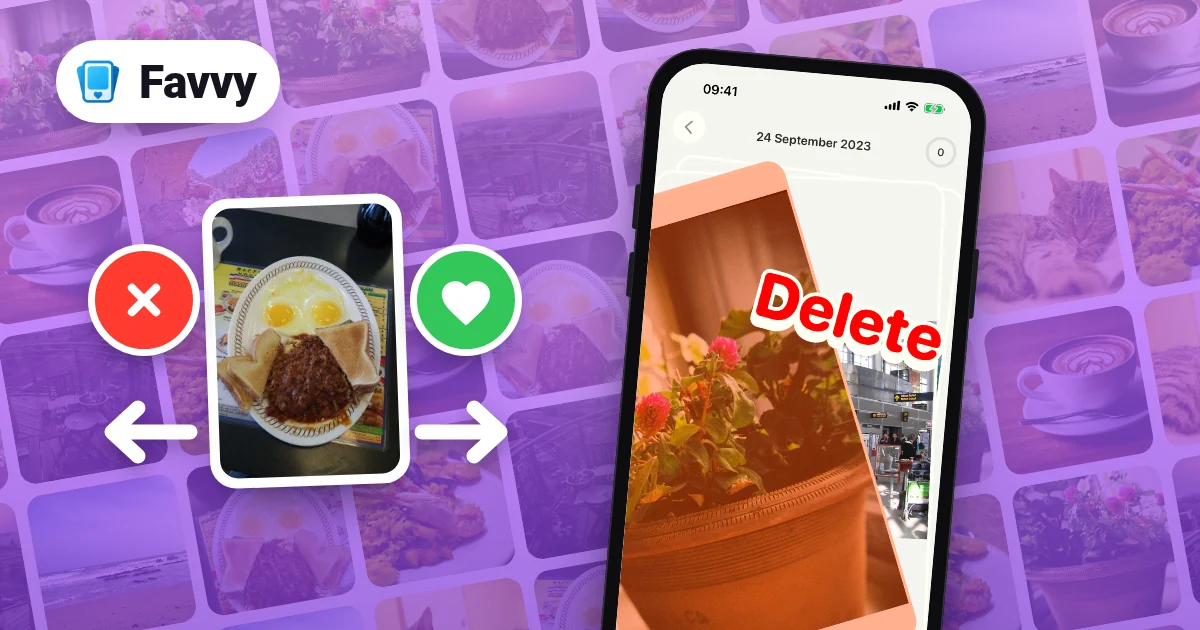
Swipe to delete is a simple way to clean up a camera roll. The app shows you one photo at a time: swipe left to delete it, swipe right to keep it. It's basically Tinder for your camera roll, and with a big library it beats tapping Select in the Photos app, because you only ever make one small choice at a time.
There are quite a few of these apps now. Here are six, on iPhone and Android, with what each one costs and who it suits.
Short answer:
- A free daily habit on iPhone or Android: Favvy. 100 free swipes a day, no account.
- Unlimited free swipes, photos only, by month: Sponge, especially on Android.
- Sorting into albums while you clean: Slidebox, if you're happy to pay.
- iPhone only, with an archive step before anything goes: Picnic.
- Extras like a photo map and bookmarks: Swipewipe, but read about the free cap first.
- iPhone only, one plain keep-or-trash stack, paid yearly: Slider.
The 6 apps at a glance
| App | iPhone | Android | Free tier | Paid | Best for |
|---|---|---|---|---|---|
| Favvy | Yes | Yes | 100 swipes a day, earn more | Pro removes limits | A simple daily swipe habit |
| Swipewipe | Yes | Yes | Free with ads, reviewers report a cap | Weekly or yearly subscription | Extras like a photo map and bookmarks |
| Slidebox | Yes | Yes | Not clearly stated (paid tier covers 10,000+ photos) | $4.99/month, $49.99/year, or one-time purchase | Sorting into albums as you clean |
| Picnic | Yes | No | 100 swipes a day, ad-free | Super Picnic: weekly, monthly, yearly | An archive step on iPhone |
| Sponge | Yes | Yes | Unlimited swipes, photos by month | $9.99/year or $14.99 lifetime (iPhone) | Free cleaning by month on Android |
| Slider | Yes | No | Not stated on the store page | $19.99/year | A plain keep-or-trash stack on iPhone |
Ratings and prices checked on the US App Store and Google Play on November 17, 2026. Prices vary by country.
The Favvy screenshots in this post are real. We didn't run every other app hands-on, so for those we stick to what the store pages say and what reviewers report.
1. Favvy, a simple swipe habit on iPhone and Android
Favvy is what we make, so weigh this section with that in mind. We'll be clear about where it doesn't win.
Favvy has 100K+ downloads across the App Store and Google Play, and a 4.7 rating on the US App Store. You pick a mode and swipe: left to delete, right to keep. There's an undo button for the last swipe, and nothing is deleted until you review the list and tap Delete.
The modes are Random (pick how many items, from All, Screenshots, Videos or Favorites), On this day, Browse by Month, and Heaviest, which puts your biggest photos and videos first. Duplicates and Albums are part of Pro. You can also clean by category: Recents, Favorites, Screenshots, Photos and Videos.
Best for: people who want cleanup to be a small daily thing. After each session Favvy shows how much space you freed, and a daily streak gives you a reason to come back tomorrow.
What it isn't: an album organizer. If you want to file photos into albums as you go, Slidebox is built for that. And Duplicates and Albums need Pro.
Price: free with 100 swipes a day and no account. You can earn more swipes through streaks and by inviting friends, and Pro removes the limits. See pricing.
Privacy: Favvy works on your phone. Your photos are never uploaded.
2. Swipewipe, the well-known one
Swipewipe is made by MWM and is one of the best-known swipe cleaners. It has a 4.7 rating from about 102,000 ratings on the US App Store and 1M+ downloads on Google Play.
You can go through your library month by month, open an On This Day view, browse a photo map, bookmark photos you're unsure about, and run an AI photo enhancer.
Best for: people who like extras around the swipe, like the map and the bookmarks.
What it isn't: free for a big cleanup. The free version has ads, and reviewers report a cap on how much you can clear before it asks you to upgrade.
Price: free with ads, then a subscription. The App Store lists weekly plans and a yearly plan. We cover the details, privacy label included, in our Swipewipe review.
3. Slidebox, best for sorting into albums
Slidebox is on iPhone and Android, with 500K+ downloads on Google Play and a 4.8 rating from about 16,700 ratings on the US App Store. You swipe to delete or sort into albums with a tap. It can also compare similar photos, and it has undo.
Best for: people who want an organized library at the end, as well as a smaller one.
What it isn't: clear about what's free. The store page doesn't state a free limit, and the subscriptions have no free trial.
Price: $4.99 a month or $49.99 a year in the US, or a one-time purchase for the full app. The store page says the paid tier covers 10,000+ photos and includes album cloud storage.
4. Picnic, iPhone only, with an archive step
Picnic is also from MWM, the company behind Swipewipe. It's iPhone only: we found no Google Play listing on November 17, 2026. It has a 4.8 rating from about 10,600 ratings on the US App Store.
Swipe left to send a photo to the Archive, right to keep it. When you're done, you empty the Archive in one tap. You can also double-tap a photo to favorite it.
Best for: iPhone users who like a holding area before anything is deleted.
What it isn't: available on Android.
Price: 100 free swipes a day, ad-free, with ways to earn more. The paid "Super Picnic" subscription comes in weekly, monthly and yearly plans.
Privacy: Picnic says your photos never leave your iPhone.
5. Sponge, best free pick on Android
Sponge, made by prismtree, is Android-first. On Google Play it has a 4.7 rating from about 6,200 ratings and 500K+ downloads. It's also on iPhone with a 4.8 rating, though from only 32 ratings so far.
The free plan gives you unlimited swipes and cleaning by month, for photos only. Premium adds video cleaning, albums, filtering by media type and a random mode.
Best for: anyone who only needs to clean photos month by month and doesn't want to pay, especially on Android.
What it isn't: a video cleaner, unless you pay.
Price: free plan as above. On iPhone, the in-app list shows $9.99 a year or $14.99 lifetime in the US.
Privacy: Sponge says your media stays on your device, with no uploads.
6. Slider, an on-device pick for iPhone
Slider is made by June Ninth and is iPhone only: we found no Google Play listing on November 17, 2026. It has a 4.8 rating from about 11,800 ratings on the US App Store.
Swipe left to trash, right to keep. It handles videos too, and you review what's in the trash before you empty it.
Best for: iPhone users who want one plain keep-or-trash stack, videos included, with a review step at the end.
What it isn't: clear about its free limit. The store page doesn't say how much you can do before you pay.
Price: Premium is $19.99 a year in the US.
Privacy: Slider says it works fully on-device.
How swipe cleaning works in Favvy
Here's a full session in Favvy. The screenshots come from an example library, so the counts and sizes on screen are only there to show the layout.
1. Pick a mode
Open Favvy and choose how you want to go through your photos: On this day, Random, Browse by Month or Heaviest. In Random you choose how many items and whether they come from All, Screenshots, Videos or Favorites.
2. Swipe left to delete, right to keep
Each photo or video shows up as a card. Swipe left and a red Delete label appears. Swipe right and you get a green Keep.
3. Undo a wrong swipe
Swiped the wrong way? Tap the undo button and the last card comes back. The trash icon shows how many items are waiting.
4. Review the list before anything is deleted
When you finish, Favvy shows a "Ready to clean up?" screen with everything you swiped left. Nothing has been deleted at this point, so take a look.
5. Confirm the delete
Tap Delete. iOS asks you to confirm, and the items go to Recently Deleted, where they stay for 30 days in case you change your mind. Favvy then shows how much space you freed and your daily streak. If your storage number doesn't drop as much as you expected, here's why that happens.
Which one should you pick?
- You want a free swipe habit on iPhone or Android, with no account. Pick Favvy.
- You only need to clean photos by month and don't want to pay. Pick Sponge, especially on Android.
- You want everything sorted into albums, and you'll pay. Pick Slidebox.
- You're on iPhone and want an archive step before deleting. Pick Picnic.
- You want a photo map, bookmarks and an AI enhancer. Pick Swipewipe, and check our Swipewipe review for the cap and the plans.
- You're on iPhone and want one plain keep-or-trash stack with a review at the end. Pick Slider.
If you want apps that work in a different way, like automatic cleaners, see our roundup of the best iPhone photo cleaner apps and Swipewipe alternatives. Not sure whether to trust a cleaner with your camera roll? Our checklist for photo cleaner safety covers what to look for.
Pick the one that fits your phone and your budget, and do a few minutes at a time.
Get the app
Clean your camera roll one swipe at a time.
Favvy gives you 100 free swipes a day. No account needed, and your photos are never uploaded.


Favvy is free: 100 swipes a day, no account. See what Pro adds →
Frequently asked questions
Is there a Tinder app for deleting photos?
What is the best free swipe to delete photo app?
Does swiping left delete photos right away?
Is there a swipe to delete app for Android?
Are swipe photo cleaner apps private?
Keep reading

Swipewipe Alternatives (2026): 5 Swipe-to-Clean Apps Worth Trying
Want a cheaper or fresher swipe app than Swipewipe? Here are 5 honest Swipewipe alternatives for iPhone in 2026, including the best free one.

Swipewipe Review 2026: Is It Safe, Free, and Worth It?
Swipewipe is free with ads and rated 4.7 from 101K ratings. Here's what its App Store privacy label actually says, what Premium costs, and how to cancel.

Free iPhone Photo Cleaner Apps With No Subscription or Trial-Wall
Most 'free' photo cleaners hit you with a weekly-subscription paywall on launch. Here are the genuinely free iPhone photo cleaner apps in 2026 that actually work.