What Optimize iPhone Storage Actually Does (and Doesn't)
Optimize iPhone Storage doesn't delete a single photo. Here's what the setting really does, why your iPhone is still full, and when to turn it off.
Favvy Team
Optimize iPhone Storage does not delete anything. That surprises a lot of people, because it sits in the same corner of Settings as everything else that promises to free up space.
Here's what it actually does, why your iPhone can still say "Storage Almost Full" with it switched on, and when the other option is the better pick.
What the setting really doesLink to section
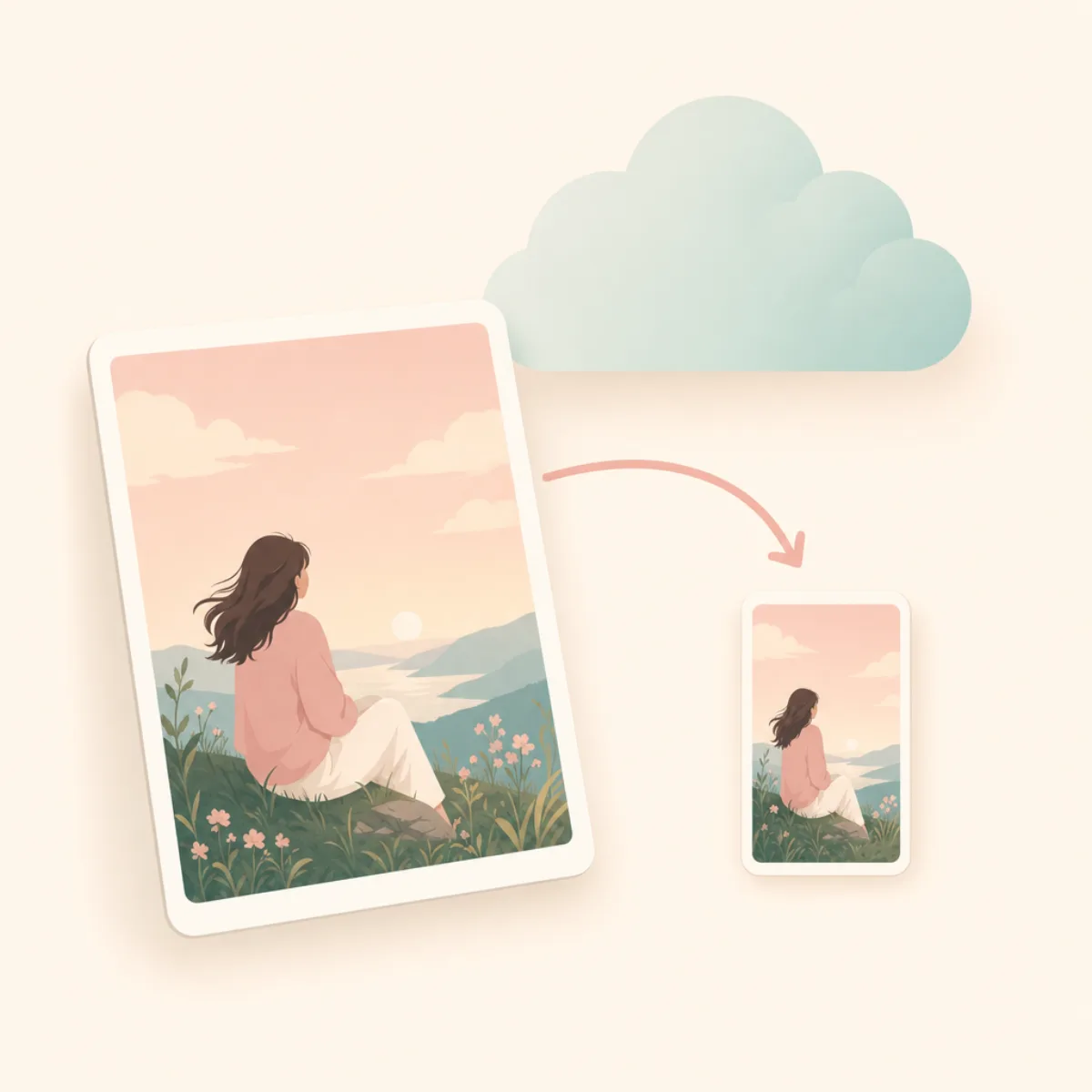
It swaps the heavy file on your phone for a light one, and keeps the heavy one in iCloud.
In Apple's own words, when Optimize Storage is on, "full-resolution photos and videos are stored in iCloud, and, when needed, space-saving copies are stored on your device." Apple also notes the library optimises starting with the photos and videos you access least, and that you can download originals again over Wi-Fi or cellular.
So your library looks identical. Every photo is still there, in the same order, in the same albums. What changed is which version of the file is sitting on the phone.
Three things follow from that, and they explain almost every complaint about this setting:
- It deletes nothing. Your photo count doesn't drop. Your iCloud usage doesn't drop either.
- It only runs when needed. iOS decides when space is tight. If your phone isn't under pressure, nothing gets optimised, so toggling it on won't show an instant win.
- It only covers photos and videos. Apps, messages, podcasts and downloads are outside its remit entirely.
Why your iPhone is still fullLink to section
If you turned it on and nothing happened, one of these is why.
The optimisation hasn't triggered yet. It kicks in when iOS thinks you need the space, not when you tap the button. There's no progress bar and no way to force it.
Your storage problem isn't photos. Check Settings > General > iPhone Storage. You get a ranked list. If Photos isn't near the top, this setting was never going to help you. Our guide to freeing up iPhone storage works through the list in order.
Recently Deleted is holding the space. Deleted photos stay for 30 days and keep counting. This is the single most common cause of "I deleted everything and nothing changed", covered in full in why your storage is still full after deleting photos.
You're confusing the two storages. iPhone storage and iCloud storage are different things, and this setting moves data from one to the other. If iCloud is what's full, optimising makes it worse, not better. See iPhone storage full but iCloud has space.
Optimize Storage vs Download and Keep OriginalsLink to section
| Feature | Optimize iPhone Storage | Download and Keep Originals |
|---|---|---|
| Full-resolution files stay on the phone | ✗ | ✅ |
| Full-resolution files live in iCloud | ✅ | ✅ |
| Uses less device storage | ✅ | ✗ |
| Works with no signal at all | Only the smaller copy | ✅ |
| Deletes photos to free space | ✗ | ✗ |
| Default on a new iPhone | ✅ | ✗ |
Pick Optimize iPhone Storage if your phone fills up before your iCloud plan does, which is most people.
Pick Download and Keep Originals if you edit photos seriously, you're heading somewhere without signal, or you simply want the files physically on the device. Just check you have room first.
How to check which one you're usingLink to section
Open Settings and tap Photos
It lives under Photos, not under General. This trips people up.
Look under iCloud Photos
You'll see Optimize iPhone Storage and Download and Keep Originals. One of them has a tick.
Choose the one that fits your problem
Device full, iCloud fine? Optimize. Want everything offline and you have the space? Originals.
Don't wait for an instant change
Optimisation happens in the background when iOS decides space is needed. Storage won't drop the second you tap.
The catch nobody mentionsLink to section
Optimize Storage makes it easy to never delete anything.
Your phone stops complaining, so you stop tidying, and the library grows. Then one day iCloud fills up instead, and now you're paying monthly for a decade of burst shots and blurry near-misses you'd never look at again.
The setting solved a symptom. The library is still the problem.
Get the app
The part Optimize Storage can't do.
Favvy is the deciding-what-to-keep bit. Swipe left to delete, right to keep, on-device, free for 100 swipes a day.


Favvy is free: 100 swipes a day, no account. See what Pro adds →
The actual fixLink to section
Optimising is worth leaving on. It's genuinely useful and it's the right default. But it buys you time rather than space.
The thing that gives you space back is deleting the photos you don't want, and the fastest way through that is a swipe pass over the worst offenders: bursts, near-identical shots, screenshots. We compared the tools for it in the five best photo cleaners, and the free ones in the best free iPhone photo cleaner.
Then empty Recently Deleted. That's the step where the gigabytes actually come back.
Frequently asked questions
What does Optimize iPhone Storage actually do?
Why is my iPhone still full with Optimize Storage turned on?
Does Optimize iPhone Storage reduce photo quality?
Get the app
Clean your gallery with Favvy
Swipe to keep or delete. Runs on-device, no account, no uploads. Free to try.
Favvy is free: 100 swipes a day, no account. See what Pro adds →
Keep reading

How to Free Up iCloud Storage on iPhone (Without Losing Photos)
iCloud full again? Here's how to free up iCloud storage on iPhone without losing a single photo, in order of how much space each fix actually gives back.

iPhone Storage Full but iCloud Has Space? Here's What's Actually Happening
If your iPhone says Storage Almost Full but you just paid for iCloud, you're not crazy. Here's the mental model, plus the 5 fixes, in order of likelihood.

Delete Duplicate Photos on iPhone Fast (Even 10,000+)
The iOS Duplicates album is slow and misses similar shots. Here's the 60-second method that clears thousands of duplicate and near-duplicate photos at once.