Are iPhone Photo Cleaner Apps Safe? (And Do They Actually Work?)
Short answer: the good ones are safe and they work. Here's how to tell a trustworthy iPhone photo cleaner from a sketchy one, and whether any are free.
Favvy TeamUpdated
Short answer: yes, the good iPhone photo cleaner apps are safe, and yes, they work. The trick is telling the good ones from the data-harvesting ones, because the App Store has both.
Here's how to spot a trustworthy cleaner in about two minutes, what "works" actually means, and whether any are genuinely free.
What makes a photo cleaner safe (or not)Link to section
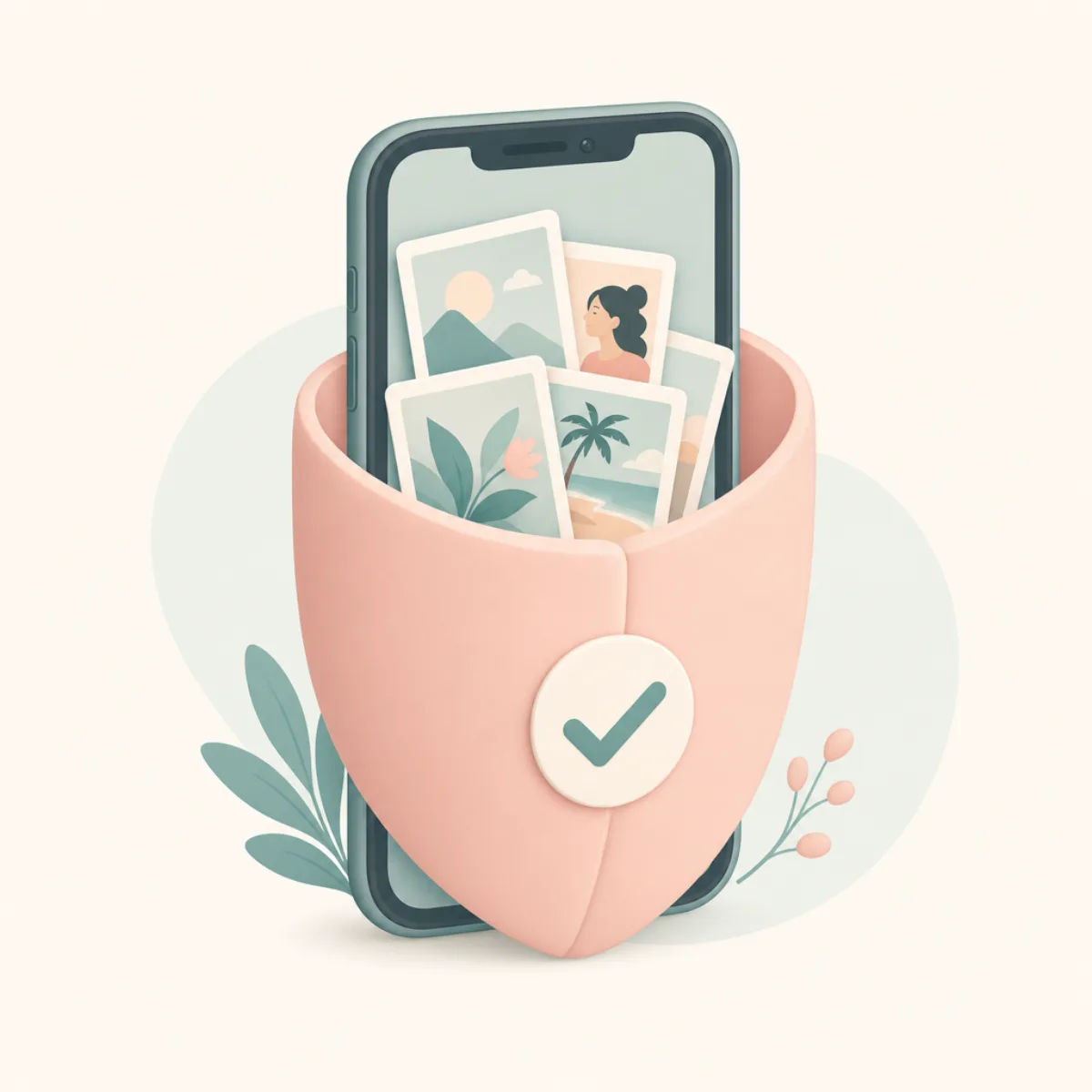
A photo cleaner is safe when it does its work on your phone and is honest about deletion. That's the whole test, and it comes down to three things.
On-device. The app finds duplicates and similar shots using your iPhone's own processor. Your photos never get uploaded. If an app has to send your library to a server to "analyze" it, your private photos are now sitting on someone else's computer, and you have to trust how they store and delete them.
Confirm before delete. A safe app marks photos for deletion and waits. Nothing is actually removed until you review the pile and tap Confirm. You should never hand delete power to an app that acts in the background.
No account for a basic job. Cleaning your own camera roll doesn't require a login. When a "free cleaner" demands an email and password before it'll do anything, that's a data-collection funnel, not a feature.
How to vet an app before you install itLink to section
Two minutes on the App Store listing tells you almost everything.
Read the App Privacy label
Scroll to App Privacy. A safe cleaner shows Data Not Collected or only diagnostics. Run from anything that links Photos to your identity.
Check it works on-device
The description should say on-device or "nothing leaves your phone." Server-side duplicate finding means your library leaves your phone.
Confirm it shows you what gets deleted
Look for confirm-before-delete. Avoid anything that deletes automatically.
See if it needs an account
No login should be required to clean your own photos. An account wall is a red flag.
Scan the most recent reviews
Sort by Most Recent. Watch for surprise charges, deleted-without-warning complaints, or a paywall on the basic feature.
Do they actually work?Link to section
Yes, and here's the part the Photos app can't match.
iOS has a built-in Duplicates album, but it only finds exact duplicates: byte-for-byte identical copies. It misses the stuff that actually eats your storage: the ten near-identical shots of the same sunset, burst photos, the blurry first attempt before the good one, screenshots you took and forgot.
A good cleaner finds those similar shots and lets you clear them fast. That's real work, not a gimmick. It just doesn't happen without you, you're always the one who confirms.
So are any of them free?Link to section
Some, with honest caveats:
- Clever Cleaner is genuinely free. No ads, no subscription, made by CleverFiles. The interface is functional rather than pretty, but the price is unbeatable.
- Favvy has a free tier: 100 swipes a day, no account, with more earned through in-app rewards. Swipe left to delete, right to keep, and it finds similar photos and bursts on-device.
- Most other "free" cleaners are trial-walls: free to scan your library, then a weekly subscription before you can delete a single photo. Always read the price line on the App Store first.
We broke down the genuinely free options and tested the five best cleaners if you want the full comparison. If you're eyeing a specific app, our Swipewipe alternatives post covers the most common one people ask about.
Get the app
Safe by design, free to start.
Favvy cleans your camera roll on-device, nothing uploaded, and shows you everything before it deletes. Free tier, no account.


Favvy is free: 100 swipes a day, no account. See what Pro adds →
Is Apple's Clean Up tool safe? (it isn't a photo cleaner)Link to section
Worth separating, because a lot of people searching "is the Clean Up app safe" mean Apple's tool, not a third-party cleaner.
Clean Up is the Apple Intelligence feature inside the Photos app that erases an object from a single photo, a stray tourist, a bin, a power line. It edits one image. It does not find duplicates, it does not free up storage, and it does not delete anything from your library. Different job entirely.
Is it safe? Yes, with one caveat worth knowing:
- It runs on-device on supported iPhones, so the photo isn't sent anywhere.
- It's non-destructive. The original is preserved and you can tap Revert at any point to get it back.
- The caveat: edited images get C2PA metadata marking them as modified by generative AI. That's a transparency feature, not a risk, but it means an edited photo carries a visible "AI-modified" flag.
So if your goal is a tidier library rather than a tidier single photo, Clean Up is the wrong tool and the safety question doesn't really apply. You want a cleaner that works across the whole camera roll, judged by the three tests above.
The one-line testLink to section
If an app works on your phone, shows you what it's deleting, and doesn't ask for a login, it's safe. If it uploads your photos or auto-deletes in the background, skip it, no matter how clean the screenshots look.
Once you've picked one, the next question is always cost. Ours is answered in one line on the pricing page: free for 100 swipes a day, no account, and Pro is optional.
Frequently asked questions
Are iPhone photo cleaner apps safe to use?
Do photo cleaner apps actually work?
Is Apple's Clean Up tool safe?
Are there any free iPhone photo cleaner apps?
Get the app
Clean your gallery with Favvy
Swipe to keep or delete. Runs on-device, no account, no uploads. Free to try.
Favvy is free: 100 swipes a day, no account. See what Pro adds →
Keep reading

Swipewipe Review 2026: Is It Safe, Free, and Worth It?
Swipewipe is free with ads and rated 4.7 by 84K users. Here's what its App Store privacy label actually says, what Premium costs, and how to cancel.
The Best Free iPhone Photo Cleaner App in 2026 (No Trial-Wall)
Most 'free' photo cleaners hit you with a weekly-subscription paywall on launch. Here are the genuinely free iPhone photo cleaner apps in 2026 that actually work.
Swipewipe Alternatives (2026): 5 Swipe-to-Clean Apps Worth Trying
Want a cheaper or fresher swipe app than Swipewipe? Here are 5 honest Swipewipe alternatives for iPhone in 2026, including the best free one.